Getting Started with LumiotLoRaWAN
Welcome to the official LumiotLoRaWAN documentation. This platform is designed under an industrial-grade architecture (ISO 27001), focused on multi-tenancy and horizontal scalability.
System Access
The system features a Role-Based Access Control (RBAC) that strictly isolates data for each client.
Login
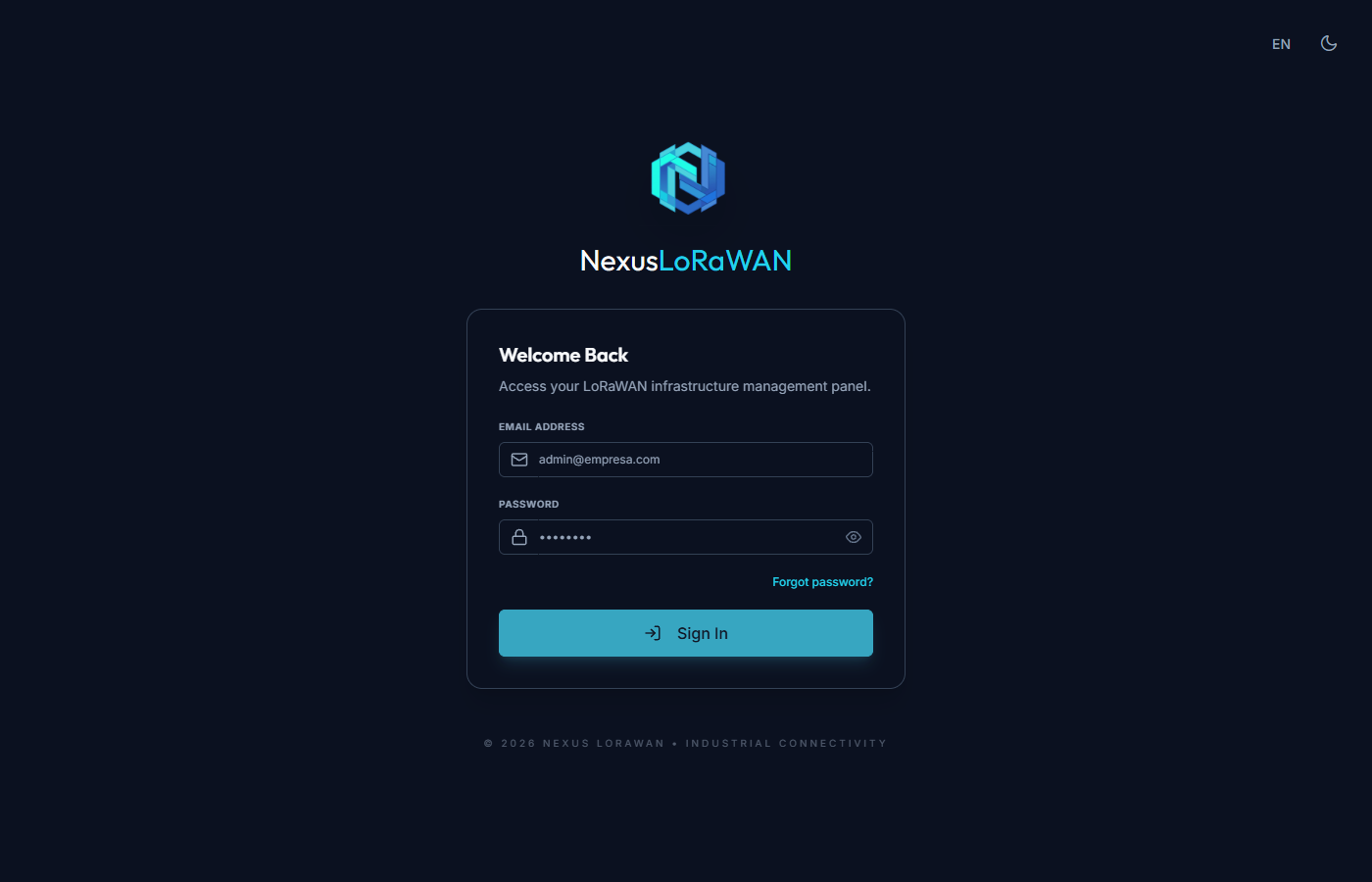
To access the platform, navigate to the login screen and enter your credentials.
Interface Controls (Top Bar)
In the upper-right corner of the home screen, you have global controls to customize your experience:
- Language Selector: Allows you to switch between supported languages (Spanish, English, etc.), instantly adjusting the interface.
- Light / Dark Mode: An interactive button (sun/moon) that changes the system color palette to reduce eye strain in low-light environments.
Authentication Process
- User (Email Address): In the user field, it is strictly mandatory to enter the email address linked to your account (e.g.
info@soldinamic.eu). The system will automatically validate that the format is a valid email before allowing submission. - Password: Enter your secret security key. You can click the "eye" icon to reveal the entered characters and verify there are no typos.
- Log In: Click the main button to validate your credentials and securely access your Dashboard.